Every year, medication errors send hundreds of thousands of older adults to the hospital - not because they’re sick, but because they took the wrong pill, at the wrong time, or didn’t take it at all. In the UK and the US alike, nearly one in four adults over 65 takes five or more medications daily. Add in over-the-counter drugs, vitamins, and supplements, and it’s easy to lose track. The good news? You don’t need to rely on memory or sticky notes. A no-mistake system at home is possible - and it’s simpler than you think.
Start with a Complete Medication List
The first step to safety isn’t buying a fancy device. It’s writing everything down -
everything. That means prescriptions, OTC painkillers, sleep aids, herbal supplements, even the occasional aspirin you take for a headache. Many people forget about ibuprofen or antacids, but these can interact dangerously with blood thinners or heart medications.
Use a simple template: drug name, dose, time of day, purpose (e.g., “Lisinopril 10mg - morning - for blood pressure”), and who prescribed it. Update this list every time your doctor changes something. Keep a printed copy in your wallet and another taped to the fridge. Share it with your pharmacist and any home care worker who visits. According to the CDC, keeping an accurate list is the single most effective thing you can do to prevent errors.
Choose the Right Tool for Your Needs
Not everyone needs a high-tech dispenser. Your system should match your lifestyle, not the other way around.
- Basic pill organizers (AM/PM or 7-day boxes) cost $5-$25. Great for people taking just one or two pills a day, with no changes. But they don’t remind you. If you forget, you’re on your own.
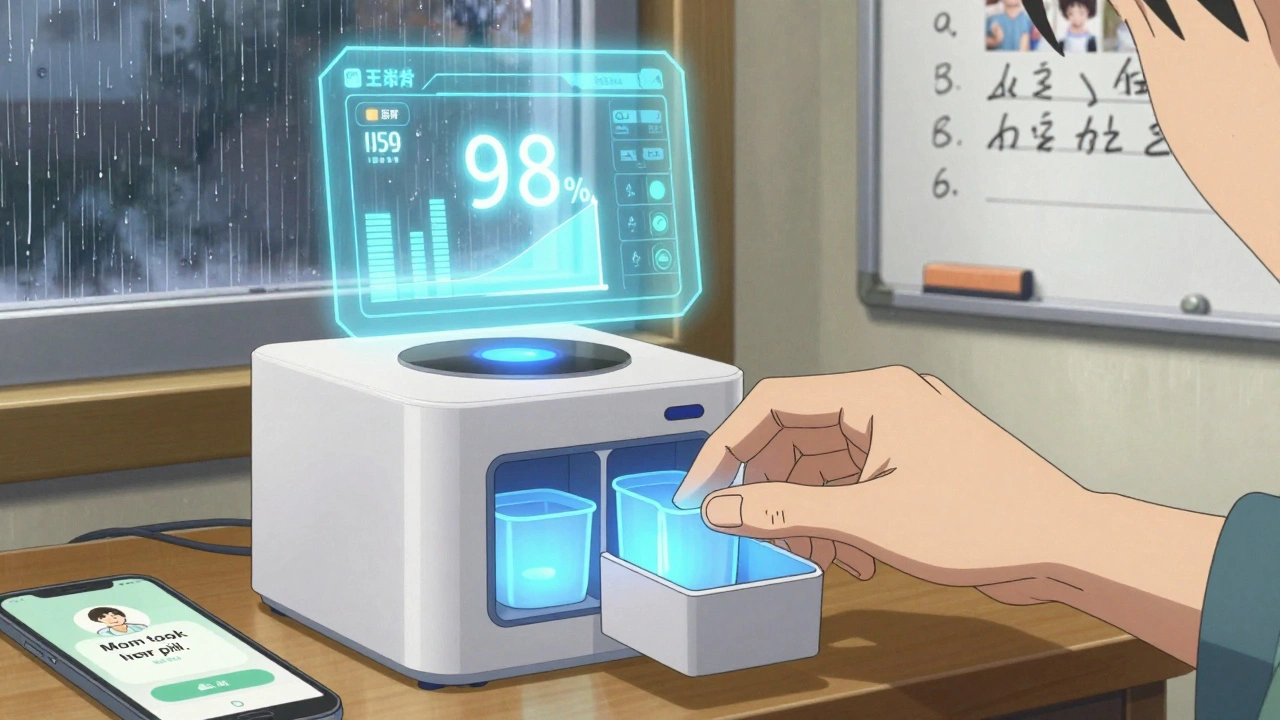
- Smart dispensers like Hero or MedMinder cost $150-$300 upfront, plus $15-$50/month. They open automatically at set times, flash lights, sound alarms, and even call a family member if you miss a dose. One NIH study showed 98% adherence over six months with these devices.
- Digital platforms like HomeMeds let you scan medication bottles with your phone camera. The app reads the label, logs it, and flags potential interactions. It’s designed for clinicians doing home visits, but caregivers can use it too.
If you’re on a fixed income, check with your Medicare Advantage plan - 63% now offer free or discounted dispensers. Some local charities or Area Agencies on Aging provide them at no cost.
Set It Up Right - Don’t Skip the Training
Buying a smart dispenser is only half the battle. The other half is setting it up correctly.
Most systems need:
- A full medication list (you made this already, right?)
- Wi-Fi and a smartphone (iOS 12+ or Android 8+)
- 2-4 hours for initial setup
- 30-60 minutes of training with a caregiver or tech support
Don’t try to do this alone. Call the manufacturer’s support line. Ask a family member to sit with you. If you’re not tech-savvy, ask your pharmacist to help - many now offer free setup as part of medication therapy management.
A user on Reddit shared: “The Hero dispenser cut my mom’s missed doses from 30% to under 5%. But the first setup took three hours with tech support. Worth every minute.”
Handle As-Needed Medications
Here’s where most systems fall short. What about painkillers you only take when your knee hurts? Or a rescue inhaler? Or a sleeping pill you use once a week?
Smart dispensers can’t always handle these. The Joint Commission says 32% of users struggle with flexible regimens. The solution? Keep these meds in a separate, clearly labeled container - maybe a small pill box with a red lid. Write down the conditions under which to take them: “Take only if pain is 6/10 or worse,” or “Use only if you can’t sleep after 2 hours.”
Put this note right next to the container. Don’t rely on memory. Even the smartest device can’t guess when you need a pill.
Involve Your Caregiver - Don’t Go It Alone
Medication safety isn’t a solo job. Studies show that 76% of successful systems include a caregiver. That could be a spouse, adult child, home health aide, or even a neighbor who checks in.
Set up shared alerts. Most smart dispensers let you invite up to five people to get notifications when a dose is missed. You can also use apps like Apple Health or Google Fit to track medication logs together.
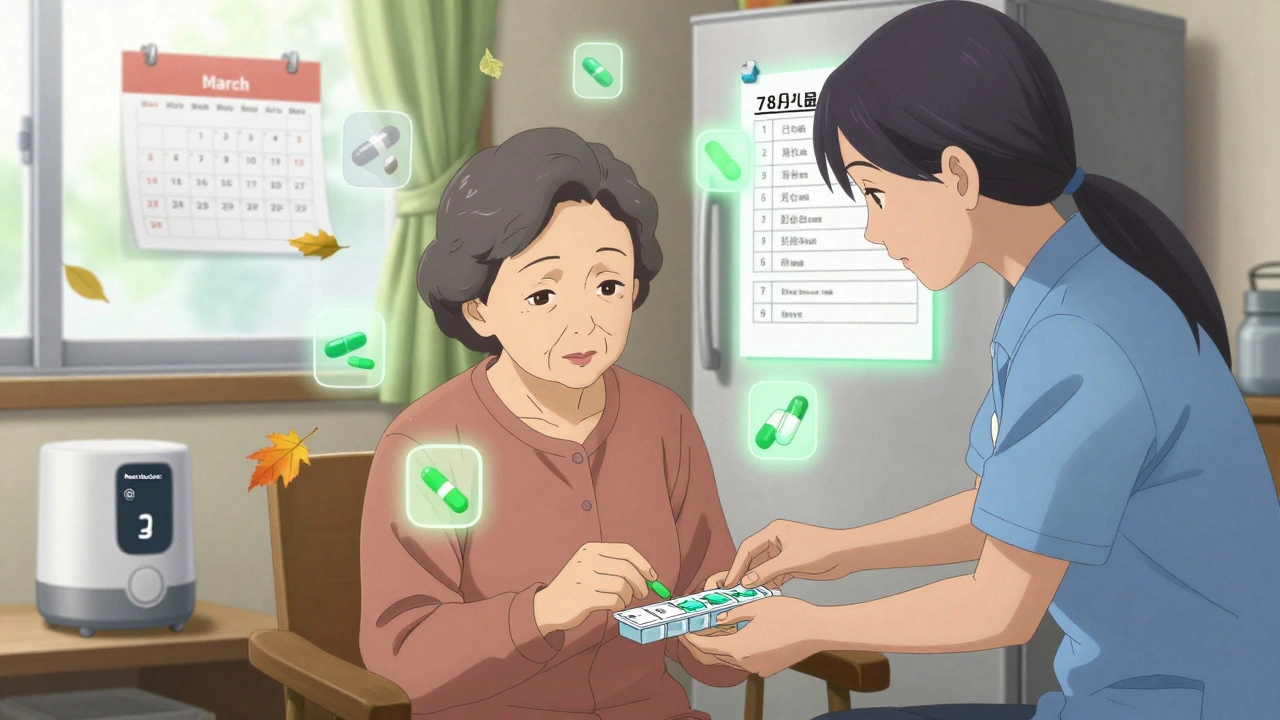
One 78-year-old woman in a case study had eight medications and a smart dispenser. She hit 96% adherence - but still needed a weekly visit from a home aide to refill her doses and check for new prescriptions. Technology helps, but humans still matter.
Review Every 30 to 90 Days
Your meds change. So should your system.
Schedule a “medication check-up” every month or two. Sit down with your list. Ask:
- Did my doctor add, remove, or change any pills?
- Did I stop taking something because it made me dizzy?
- Is anything I’m taking no longer needed?
Many older adults take drugs they no longer need - like statins after bypass surgery, or blood thinners after a clot has cleared. These aren’t harmless. They increase fall risk and bleeding. A 2023 study found that 27% of seniors on multiple meds experienced dizziness, confusion, or falls linked to medication side effects.
Talk to your pharmacist during your next refill. They can spot red flags you might miss.
What’s Coming Next?
The field is moving fast. In Fall 2025, HomeMeds will launch an AI version that recognizes pill labels with your phone camera and cuts assessment time by half. Johns Hopkins is testing voice-activated dispensers for people with vision loss. By 2027, premium systems will check for drug interactions automatically.
But here’s the catch: 40% of today’s medication tech startups will be bought by bigger companies by 2027. That means prices could rise, and support could vanish. Stick with established brands. Ask if the system is HIPAA-compliant. Make sure your data stays private.
What If You Can’t Afford It?
Cost is the biggest barrier. A smart dispenser isn’t cheap. But you don’t need one to be safe.
Try these low-cost fixes:
- Use a large-print pill box with clear labels.
- Set phone alarms with voice notes: “Take heart pill - after breakfast.”
- Ask your pharmacy for blister packs - many now offer them for free.
- Use a whiteboard on the fridge: write the day, time, and meds.
- Get a free reminder service from your local Area Agency on Aging.
The National Council on Aging says 22% of low-income seniors can’t afford tech solutions. That’s a gap we can’t ignore. But even without gadgets, a clear list, a daily routine, and someone to check in on you can prevent most errors.
Final Tip: Test Your System
Before you trust it, test it. For one week, have a family member randomly check your pill box or app log. Don’t tell them when. See if they can match what you took to your list. If they find a mismatch, fix it. If they can’t find your list, make a new one.
Medication safety isn’t about perfection. It’s about reducing risk. One missed pill won’t kill you. But a pattern of mistakes? That’s when things go wrong.
Start small. Update your list. Pick one tool that fits. Involve someone you trust. Review it often. You don’t need the fanciest gadget. You just need a system you can count on.
What’s the most common mistake people make with home medication safety?
The biggest mistake is assuming memory is enough. People forget to update their medication lists when prescriptions change, skip doses because they feel fine, or mix up similar-looking pills. Even small errors - like taking two doses of ibuprofen instead of one - can cause serious side effects like stomach bleeding or kidney damage. Writing things down and using reminders cuts these risks by more than half.
Can I use my phone to remind me to take my meds?
Yes - but only if you use it right. Set alarms with specific voice notes like “Take metformin with breakfast,” not just “Meds.” Use apps like Medisafe or MyTherapy that log each dose and send alerts to family members. Avoid relying on calendar reminders alone - they’re easy to ignore. If you’re not tech-savvy, ask a relative to set them up for you.
Are pill organizers safe for people with dementia?
Basic pill organizers aren’t enough for someone with dementia. They may open the box but forget what’s inside, or take pills multiple times. Smart dispensers with voice prompts and locked compartments are better. But even those need supervision. For advanced cases, professional home care or a monitored dispenser with caregiver alerts is essential. Never leave a person with dementia alone with their meds.
How often should I clean my pill organizer?
Clean it every week. Residue from pills can build up and mix with new ones - especially with powders or chewables. Use warm water and a soft brush. Dry it completely before refilling. Never use bleach or strong cleaners - they can leave harmful traces. If your organizer has plastic compartments, check for cracks. Damaged ones can trap pills and cause double-dosing.
What should I do if I miss a dose?
Don’t double up unless your doctor says so. Check the label or call your pharmacist. For some meds, like antibiotics, missing a dose can make them less effective. For others, like blood pressure pills, taking two at once can be dangerous. Keep a quick-reference sheet next to your meds with instructions like “If I miss a dose: Wait until tomorrow. Do not double.”
Is it safe to store all my meds in one place?
No. Keep medicines away from heat, moisture, and children. Don’t store them in the bathroom cabinet - steam ruins pills. Keep them in a cool, dry place like a bedroom drawer. Separate controlled substances (like opioids or sleep aids) in a locked box. If you have visitors, especially young ones, make sure nothing is visible or accessible.





Adam Everitt
so i tried the pill box thing... forgot to update it after my doc switched my blood pressure med. ended up taking two kinds at once. oops. now i just write everything on a sticky note and stick it to the mirror. not fancy, but it works. 🤷♂️
wendy b
It is utterly astonishing how many individuals still rely on archaic, pre-digital methodologies for medication management. The cognitive load imposed by manual tracking is not merely inefficient-it is medically irresponsible. One must utilize HIPAA-compliant, FDA-cleared digital platforms with real-time interaction logging and automated pharmacist alerts. Anything less is negligence dressed as pragmatism.
Rob Purvis
I love how this post breaks it down so clearly! I’ve helped my mom set up her Hero dispenser, and honestly? It’s been a game-changer. We spent two hours with tech support, but now she gets a voice reminder, a light flash, and I get a text if she misses it. We also started doing a monthly checklist together-just sitting with the list, a cup of tea, and asking, ‘Is this still needed?’ It’s not just about safety-it’s about dignity. 💯
Lawrence Armstrong
Use the free blister packs from your pharmacy. Seriously. They’re pre-sorted, sealed, labeled, and often free with Medicare. I’ve been doing this for my dad for 3 years. No more confusion. No more missed doses. Just grab and go. Also, clean the organizer weekly-pill dust is a silent killer. 😊
Levi Cooper
Why are we letting tech companies profit off the elderly? These ‘smart dispensers’ are just expensive toys designed to replace human care. In my grandpa’s day, neighbors checked in. Family helped. Now we hand over $300 to a corporation and call it ‘safety.’ This isn’t progress-it’s abandonment with a Wi-Fi signal.
Ashley Skipp
Anyone who uses a phone alarm for meds is asking for trouble. I know a woman who missed her heart med for 3 days because she turned off the alarm. Don’t be that person.
Nathan Fatal
The real issue isn’t the tools-it’s the systemic failure to integrate medication review into routine geriatric care. We treat symptoms, not polypharmacy. The 27% stat on dizziness and falls? That’s not bad luck-it’s a failure of clinical oversight. Pharmacists should be mandatory participants in every elderly care plan, not afterthoughts. And yes, I’ve seen this in my work as a geriatric nurse for 18 years.
Robert Webb
One thing that’s often overlooked is the emotional weight of medication management. It’s not just about remembering pills-it’s about confronting aging, loss of autonomy, and the fear of being a burden. That’s why involving a caregiver isn’t just practical-it’s therapeutic. My aunt started using a whiteboard on the fridge, and every morning, my cousin would come over and say, ‘Okay, what’s the plan today?’ It turned a chore into a ritual. And now she looks forward to those check-ins. It’s not about the system-it’s about the connection.
Audrey Crothers
OMG YES! I just got my mom a 7-day organizer and she’s been using it for 2 weeks and she’s crying happy tears because she finally feels in control 😭 I even made little stickers for each pill with emojis-heart for heart med, moon for sleep, etc. It’s silly but it WORKS. Also, I put her list on my phone so I can check it anytime. Love this post!
Stacy Foster
Let’s be real-this whole ‘medication safety’ thing is a scam pushed by Big Pharma and tech billionaires. They want you dependent on gadgets so they can sell you more pills, more devices, more subscriptions. Your body doesn’t need 8 meds. It needs rest, clean water, and sunlight. But no-they’ll keep drugging you and selling you a $250 box to remind you to take the drugs they made. Wake up.
Reshma Sinha
From my experience in home care in Delhi: low-cost systems work best. Blister packs + daily voice call from a relative + fridge checklist = 90% adherence. Tech is nice, but human touch is irreplaceable. Also, always check if the meds are expired-Indian summers melt pills faster than you think!
Donna Anderson
i just use my phone’s alarm with a voice note that says ‘take the blue one after toast’ and it’s perfect. no apps no gadgets. also i write ‘did you take it?’ on the fridge with a dry erase marker. simple. works. love this post!
sandeep sanigarapu
Medication safety is not a luxury. It is a fundamental human right. In India, many elderly take medicines without knowing their names. A simple printed list, laminated and placed beside the bed, reduces error rates by over 60%. No technology required. Just clarity. And care.
nikki yamashita
Yessss! I just started doing the monthly check-in with my dad and it’s so nice. We don’t even talk about meds-we just sip tea and go through the list. He says it makes him feel seen. 💛
Laura Weemering
Who even controls the data from these ‘smart’ dispensers? Are they selling your pill-taking habits to insurers? To advertisers? To the government? I read a report that one company shared usage data with a private health analytics firm that then sold it to life insurance providers. You think you’re safe… but you’re being scored. Every missed dose could mean higher premiums. Don’t be fooled by the blinking lights.